Buy Previous Courses
The online content is the copyright of Hunt’s Photo Education and/or the Instructor. Please support our education team and instructors by not sharing this material! We appreciate your support, and it’s thanks to that support that we are able to continue producing content!
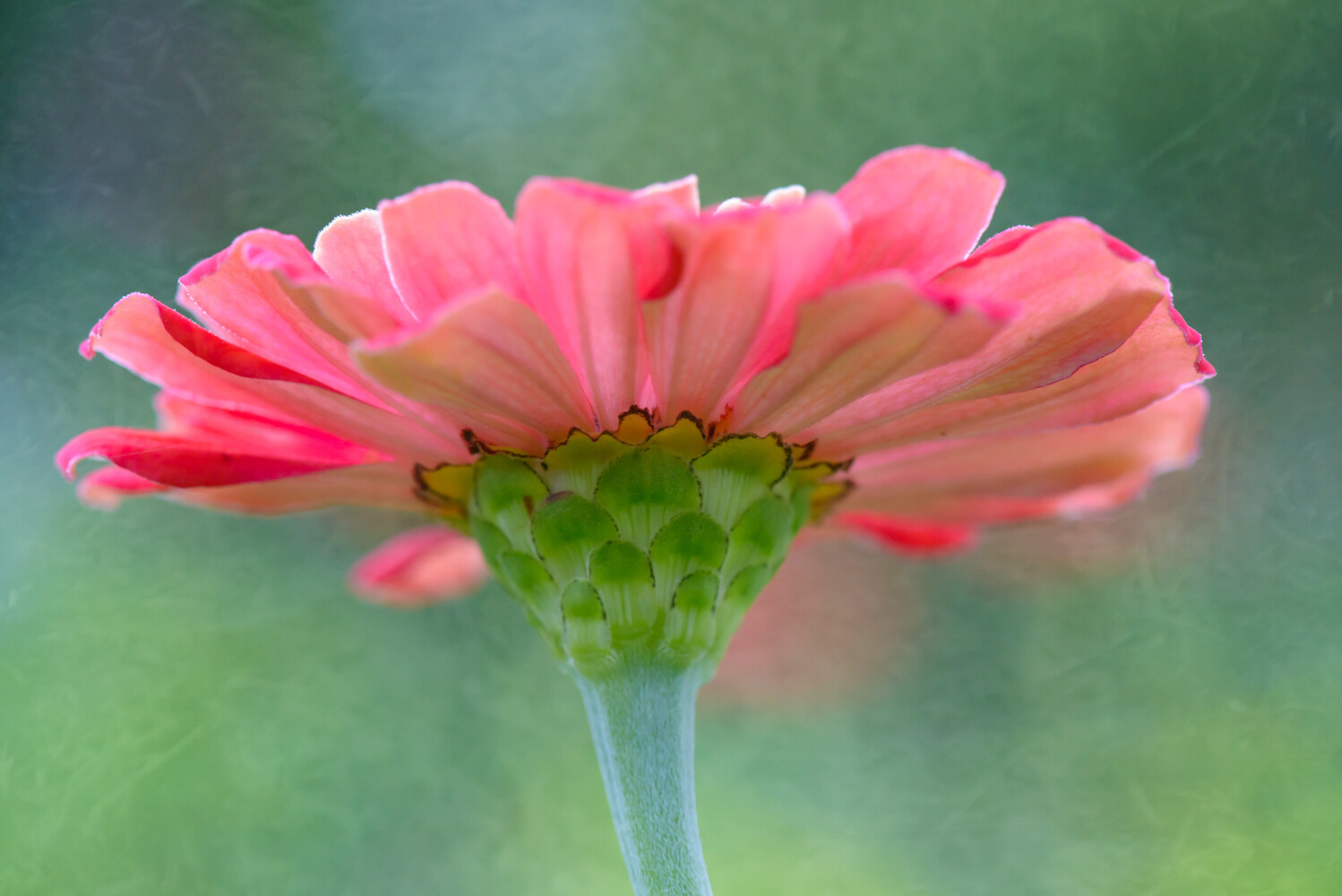
One of the most fun and creative ways to utilize Adobe Photoshop (as opposed to many other editing programs, including Lightroom) is through using multiple layers. Adding textures to photographs or areas of a photograph are an excellent opportunity to add character, depth, and a uniqueness to an image!
In this class, we will demonstrate and work with images in a step-by-step process to take a photo from Lightroom (or anywhere on your computer), import into Photoshop, add a texture, and then save the file.
This class will specifically cover…
•Layers
•Masking
•Blend modes
The tools we utilize here don’t need to end with just textures. The concepts we will cover in the class can also be applied to other areas–changing the opacity of a layer or image, creating masks which allow you to change one specific area of a photo, and more. If you have an interest in learning more about Photoshop, this is an excellent opportunity!