
Multi-Session Series- Adobe Photoshop Basics- Hunt’s Photo, Melrose
March 9, 2023 @ 6:00 pm - 8:00 pm
Class Summary
March 9, 2023 @ 6:00 pm - 8:00 pm
- Make sure to bring your laptop with a power cable
- Attendees should have a laptop with Adobe Photoshop CC
- We encourage you to make sure your software is up-to-date with the newest version
- If your computer requires an adapter for USB, make sure to bring it
- As always, bring your enthusiasm and creative thoughts!
Refund Policy – Classes / Walks / Workshops
For classes, walks, & workshops, cancellations and postponement can be made up to 72-hours prior to the scheduled time. Refunds cannot be granted for cancellations placed less than 72-hours/3-days before a class or walk, but you can receive a 75% credit toward a future class, walk, or workshop.
Longer form (multi-day or full-day) or guest speaker workshops may have other policies noted. Please check the workshop description or the “Misc” section of the page.
For all cancellations, you must contact classes@huntsphoto.com prior to the event. If you register for a class and do not show up, your payment will be forfeited..
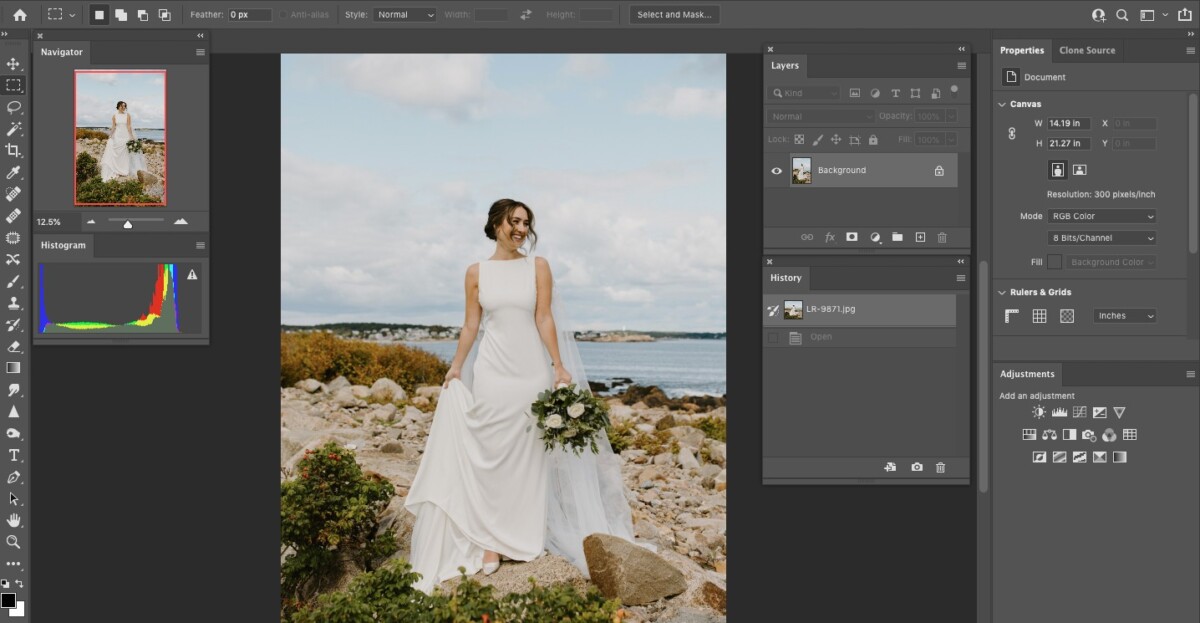
Adobe Photoshop is one of the quintessential editing programs for photographers, especially important when utilizing layers, stacking photographs, removing blemishes or objects, and more! In this multi-session course, we will cover the very essential basics of Adobe Photoshop, including:
?When and why photographers use PS
?What are Layers?
?Basic Photoshop workflow
?Removing objects
?Basic adjustments
?Adding text
We recommend bringing a laptop for this class with Adobe Photoshop CC installed. Please be advised: Adobe Photoshop CC is the only version we recommend for this class. Please make sure it is downloaded and that you can open it prior to arriving. Also, please be advised that Adobe Photoshop Elements and older versions of Photoshop (often referred to as “Legacy” software) have very different layouts and will not translate as well for this class.