
Intermediate Image Processing in Adobe Lightroom Classic- Hunt’s Photo, Melrose
May 19 @ 6:00 pm - 8:00 pm
Class Summary
May 19 @ 6:00 pm - 8:00 pm
- Make sure to bring your laptop with a power cable
- It is essential to have Adobe Lightroom Classic installed on your computer. If this is your first time using it, make sure you can open the program.
- We encourage you to make sure your software is up-to-date with the newest version
- If your computer requires an adapter for USB, make sure to bring it
- As always, bring your enthusiasm and creative thoughts!
As always, if you are sick or feeling unwell, STAY HOME! You must contact classes@huntsphoto.com prior to the event for a credit towards a future walk. Please see Cancellation Policy for details.
Refund Policy – Classes / Walks / Workshops
For classes, walks, & workshops, cancellations and postponement can be made up to 72-hours prior to the scheduled time. Refunds cannot be granted for cancellations placed less than 72-hours/3-days before a class or walk, but you can receive a 75% credit toward a future class, walk, or workshop.
Longer form (multi-day or full-day) or guest speaker workshops may have other policies noted. Please check the workshop description or the “Misc” section of the page.
For all cancellations, you must contact classes@huntsphoto.com prior to the event. If you register for a class and do not show up, your payment will be forfeited..
Please note: This course does not cover file management or importing images into the program, or the Basics of Editing. To learn how to do that, check out our Lightroom File Management and Editing in Adobe Lightroom Classic Sessions!
Adobe Lightroom is an ever-changing and ever-expanding program. As such, it can be hard to keep up with many of the changes in the program that make processing your images easier, more efficient, and with better adjustment capabilities!
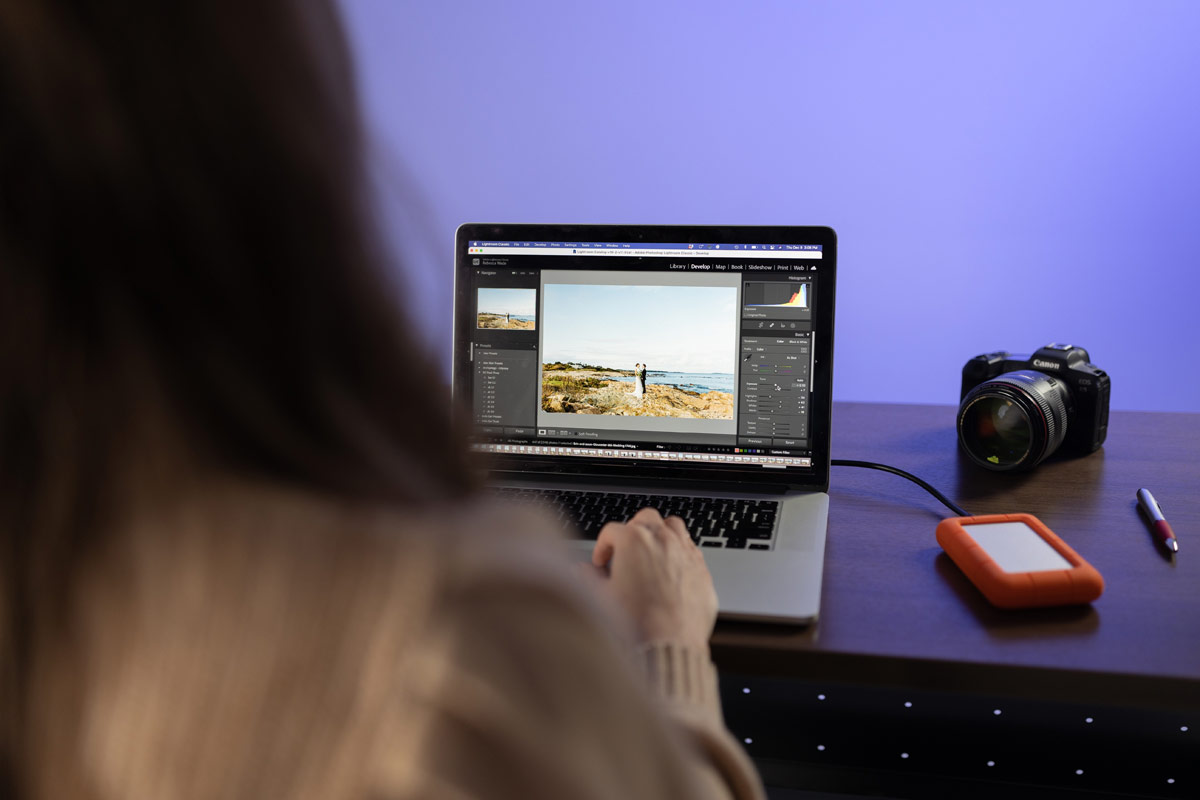
After taking the basic “Editing in Lightroom Classic” sessions, our “Intermediate Editing in Lightroom Classic” is the obvious next step. In this course we will reinforce what we learned in the basic class, but pepper in more advanced capabilities, including newer editing capabilities. Specifically, we will cover:
- AI Masking and Advanced Masking Techniques
- Sky, Subject, and Background Masking
- Object Masking
- Adding into Existing Masking
- Color/Luminance Range Masking
- Distraction Removal
- Denoise and Super Resolution
-
Profiles
-
RGB Tone Curve
- Perspective Correction
And more!
This is a 2-Part class. We encourage testing out what you’ve learned in between sessions to maximize your experience!

An important note about this course! There are now a few different versions of Adobe Lightroom right now.This course is specifically on Adobe Lightroom Classic. The other version of Lightroom, commonly known as “Adobe Lightroom CC” (yes, we understand you may be confused by this) is a more mobile and cloud-based program. The look and feel of the program is completely different– This course is specifically on Adobe Lightroom Classic. (See graphic on the right.) If you are unsure, feel free to email us at classes@huntsphoto.com. Important: If you are taking this course, make sure to download/update the program in advance, as you will not be able to download the program at the store. Older versions, such as Lightroom 5 or 6, are also acceptable, though not all functions will be available.

Curious which Adobe plan to get? We recommend the 20GB Photography Plan, detailed in the screenshot on the left. You can find it here!